
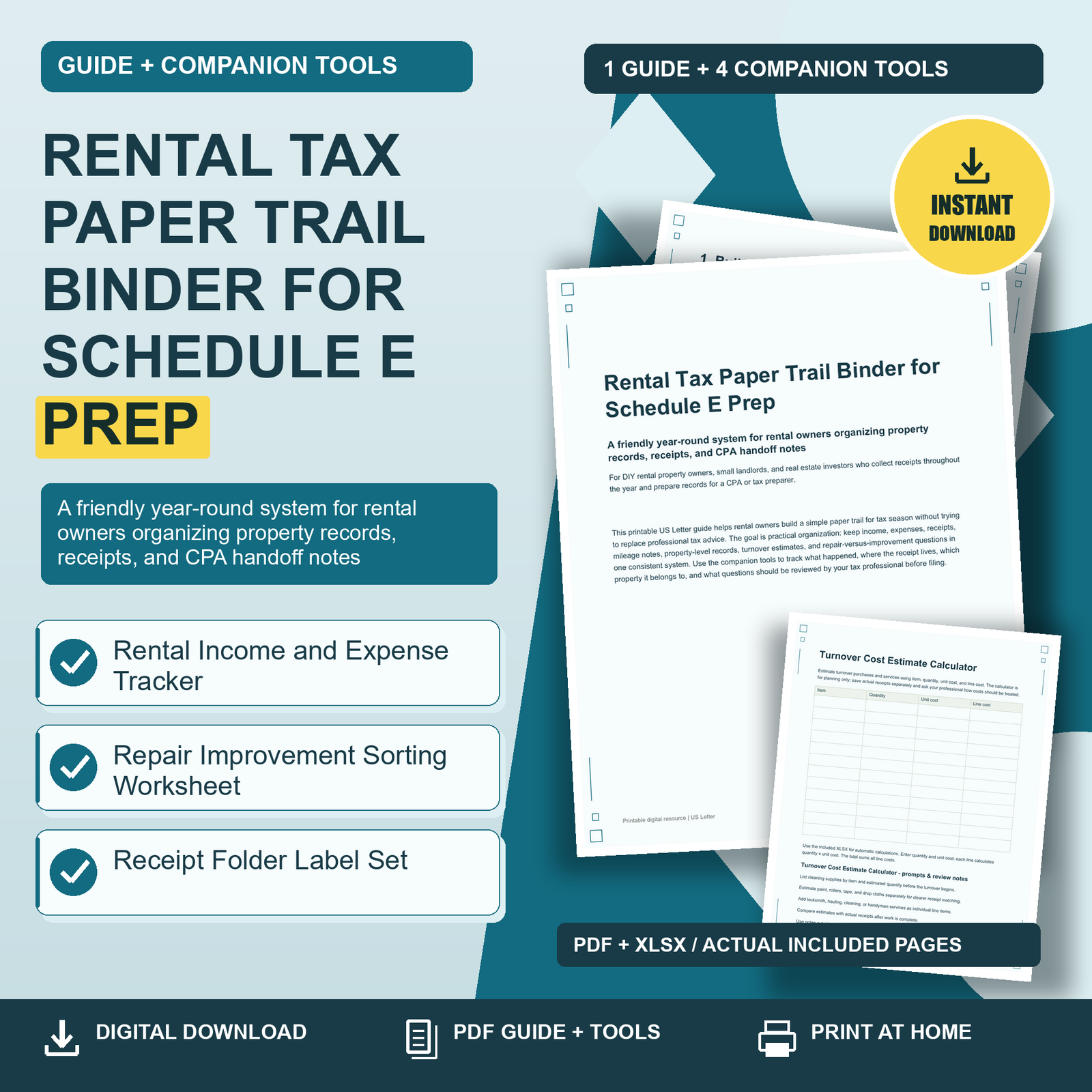
A friendly year-round system for rental owners organizing property records, receipts, and CPA handoff notes
DIGITAL DOWNLOAD – no physical item will be shipped.
A PRACTICAL PLACE TO BEGIN
When there are details to work through, deciding where to start can be a task of its own.
Rental Tax Paper Trail Binder for Schedule E Prep brings the guide and its companion tools together in one downloadable package.
FROM INFORMATION TO A NEXT STEP
Read the guide for context, then choose the included tool that fits the task in front of you.
SEE HOW THE INCLUDED TOOLS WORK
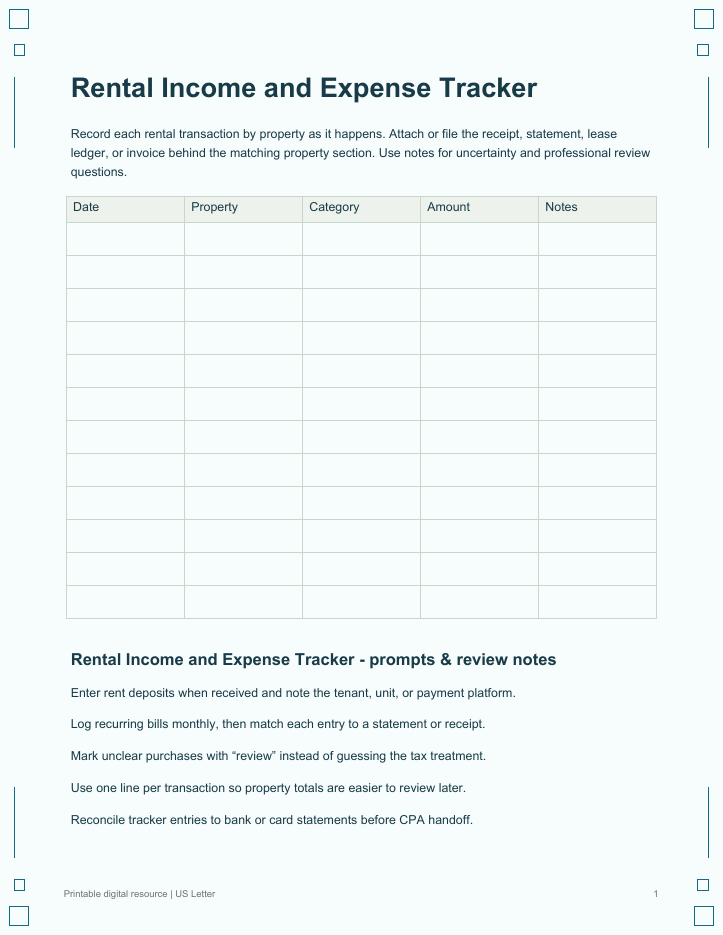
Rental Income and Expense Tracker: Record each rental transaction by property as it happens. Attach or file the receipt, statement, lease ledger, or invoice behind the matching property section. Use notes for uncertainty and professional review questions.
Repair Improvement Sorting Worksheet: Use this worksheet to describe property work for CPA review. Capture facts, documents, and open questions without deciding the final tax treatment yourself. Keep invoices and photos with the matching worksheet line.
Receipt Folder Label Set: Print labels for folders, envelopes, or binder pockets. Use the inventory table to track where each folder is stored, then place receipts into labeled sections before monthly entry or CPA review.
WHAT YOU RECEIVE
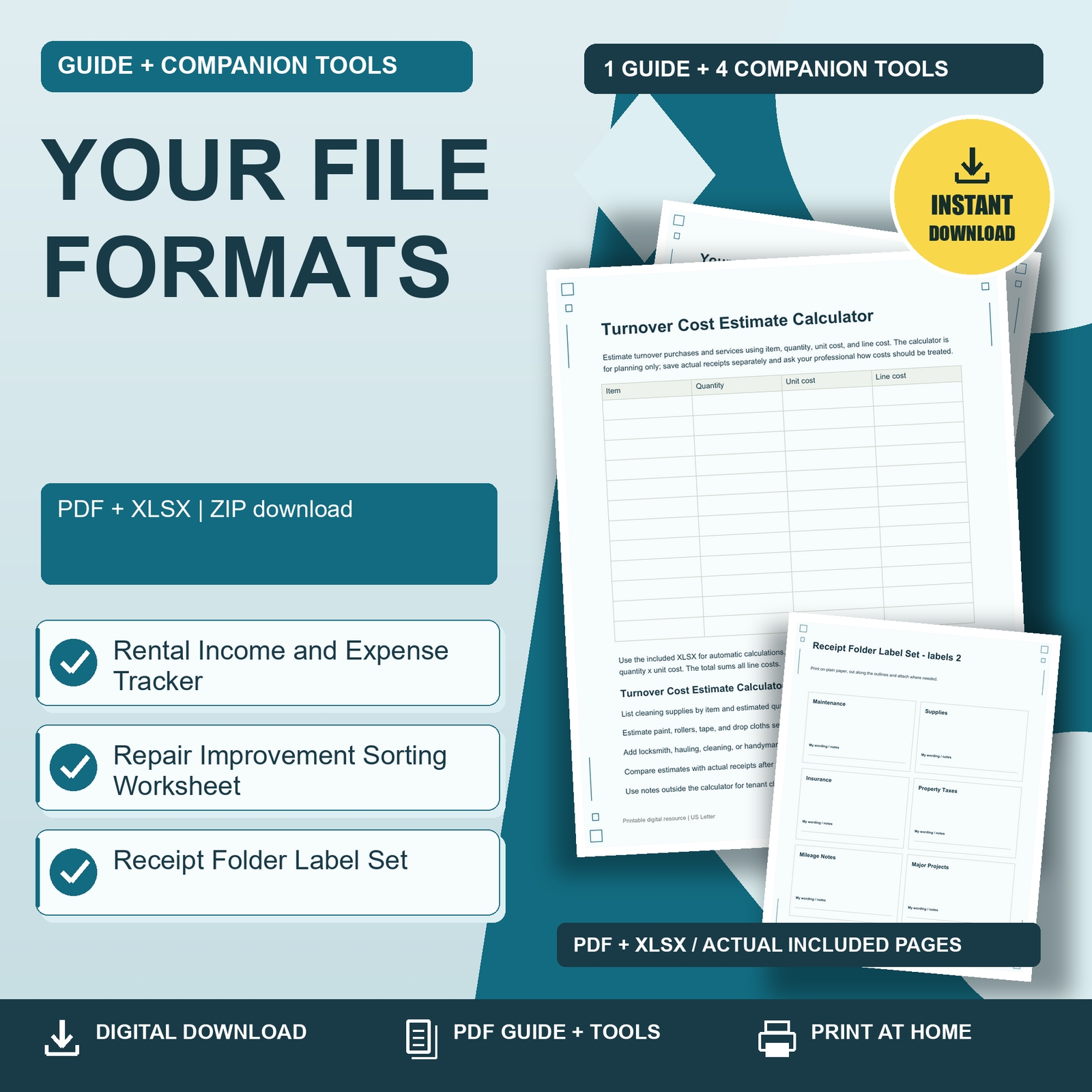
5 resources delivered across 1 ZIP download(s):
– Rental Tax Paper Trail Binder for Schedule E Prep (PDF)
– Rental Income and Expense Tracker (PDF, XLSX)
– Repair Improvement Sorting Worksheet (PDF)
– Receipt Folder Label Set (PDF, XLSX)
– Turnover Cost Estimate Calculator (PDF, XLSX)
FORMAT & USE
Print-ready US Letter PDF files. Download and unzip your purchase, read the guide, and use the companion resources.
PDFs are printable, not interactive fillable forms. XLSX resources, where included, require a compatible spreadsheet application.
WHO IT IS FOR
DIY rental property owners, small landlords, and real estate investors who collect receipts throughout the year and prepare records for a CPA or tax preparer.
PLEASE NOTE
Review the listing images and included-file inventory before purchase. Printing results depend on your printer and paper.
AI DISCLOSURE
Created with AI assistance and edited and reviewed by the seller.
CHECK THE FIT BEFORE YOU BUY
Look through the actual page previews and the included-file list. Check the formats and instructions against how you intend to use them.
These files support your own planning and record keeping. They do not complete the work for you or guarantee a result.
BEGIN WITH ONE USEFUL STEP
If the included tools fit your needs, download the package, open the guide, and choose one page to begin.
Reviews
There are no reviews yet.