Give visitors a quick way to see which dental services you offer, where you work, and what to include when they request a quote. A clear one-page site can answer those questions in order.
Lead with services people can recognize
Use the names customers look for, such as preventive dental visits, tooth pain appointments, smile repair consults. Under each service, describe what it covers and give the reader a clear next step. Keep the same wording in your menu and quote instructions.
Make the next step clear
List the towns or neighborhoods you actually serve. Answer one common booking question near your contact section. For example, explain this before a customer emails you: Do you accept my dental insurance? Plan participation can vary, so the best first step is to contact the office with your insurance details. The team can help you understand what information is needed before your visit and explain how payment questions are handled.
Check the page on a phone
Open your published site on a phone. Use the navigation to find the services and FAQ, then test the quote link. Replace sample images and contact details before you share the site.
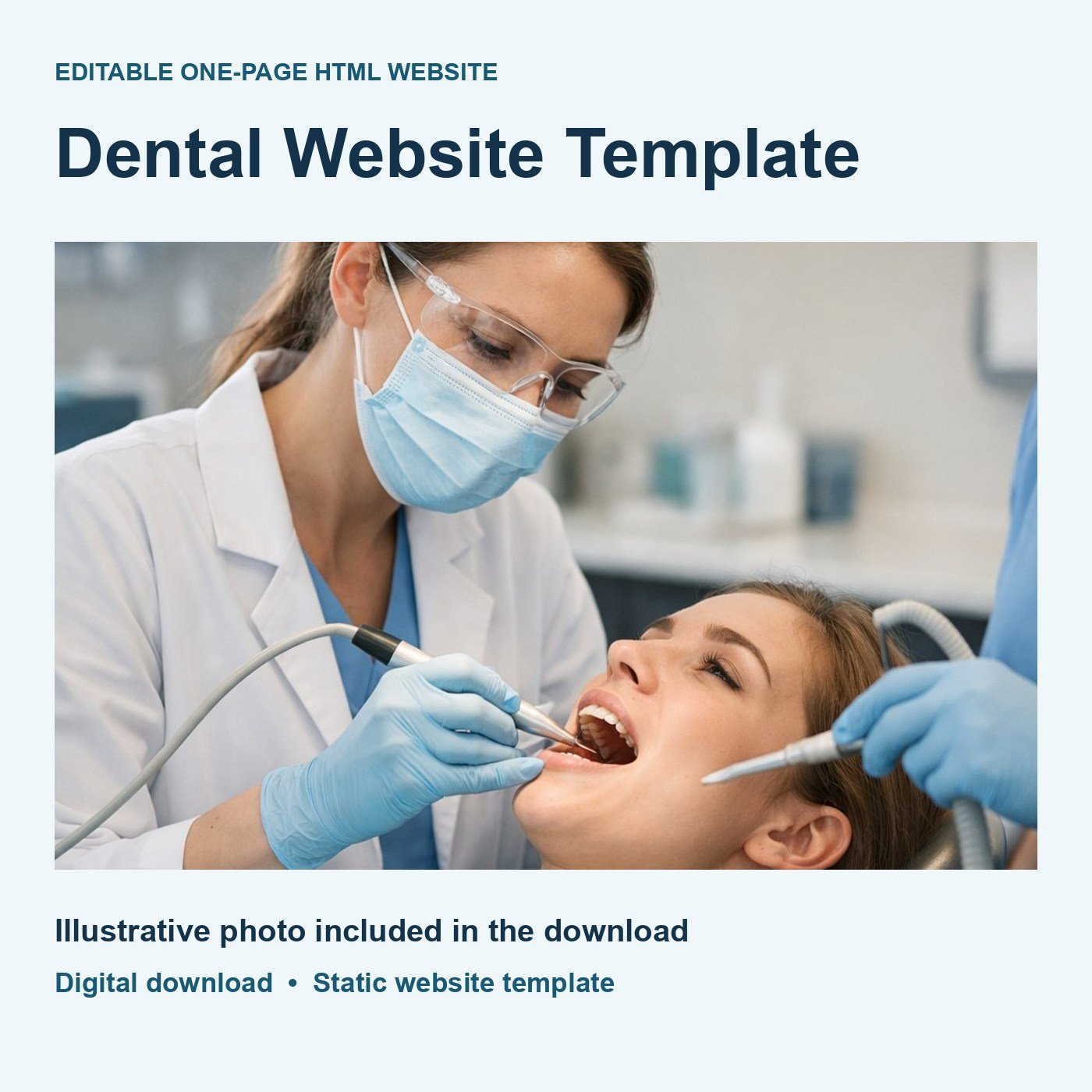
Use the editable dental website template to start with these sections in place.