
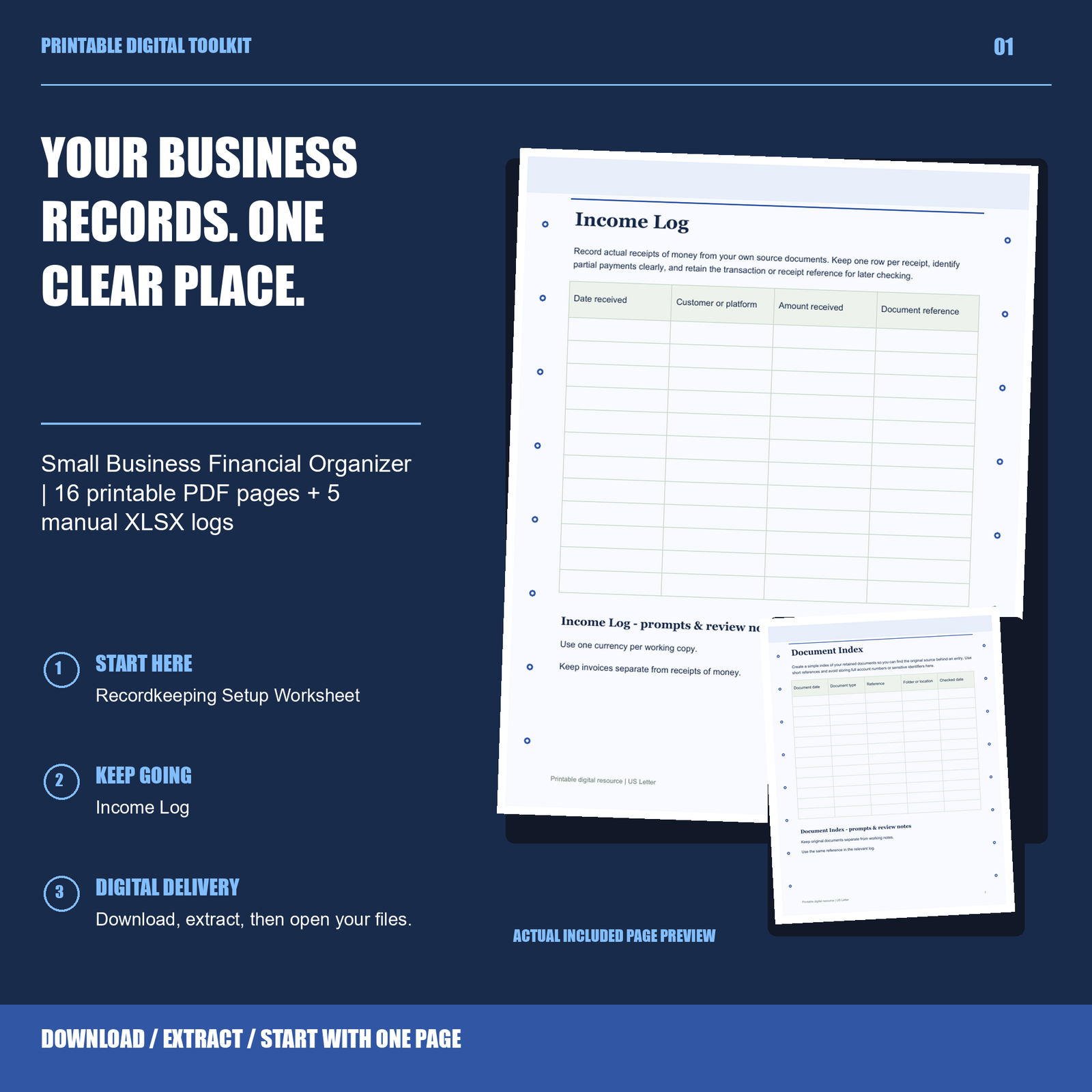
Small-business paperwork often arrives in several places: an inbox, a folder, a download directory and a pile of receipts. A regular record-organizing session gives those documents a consistent destination. The aim is to make your own source records easier to find, rather than replace accounting software or professional advice.
Gather the source documents first
Choose a time to collect the records you need to organize. These might include invoices you issued, receipts, supplier bills and relevant statements. Keep the originals or permitted copies in an appropriate private location. Follow the record-retention and security requirements that apply to your business; this article does not set those requirements.
Give files names that help you recognize them later. A date, supplier or customer reference and a short description can be more useful than an automatically assigned download name. Use a naming approach you can keep consistent.
Separate records from follow-up tasks
A document and an action are different things. A bill may need to be filed, but it may also require you to confirm a detail or arrange payment through your usual process. Put the document in its location and record the follow-up separately so the two do not depend on remembering what was in your inbox.
For invoices, record the information you need to locate the original and note any follow-up you intend to make. An organizer does not confirm whether a transaction has cleared or whether a customer has paid. Check the underlying records.
Enter information and check it
If you use a manual log, enter information from the source document and compare the entry back to it. Decide which fields are useful for your own workflow. A manual spreadsheet is not automatically a connected accounting system, and a printed log does not calculate totals.
At the end of the session, note anything you could not resolve. Keep questions for your bookkeeper or accountant together with the relevant records, without sending account passwords or unnecessary confidential data.
Leave a clear starting point
A short checklist can show which records were gathered, what was entered and what remains to be reviewed. The next session can start from that list instead of reconstructing the previous one from memory.
The Small Business Financial Organizer contains nine printable US Letter PDFs totaling 16 pages, five editable XLSX manual-entry logs, text instructions and a one-business internal-use license. PDFs are not fillable. Compatible spreadsheet software is required for XLSX files. Automatic totals, bank connections, a linked dashboard and tax calculations are not included.
The included license covers one business’s internal records and permits necessary use by its staff and professional advisers within that scope. It does not grant a general right to distribute templates to other businesses or clients. Read the full included license.
Browse Business Records or read the Download guide. These resources organize information; they do not provide accounting, tax, legal or investment advice.