
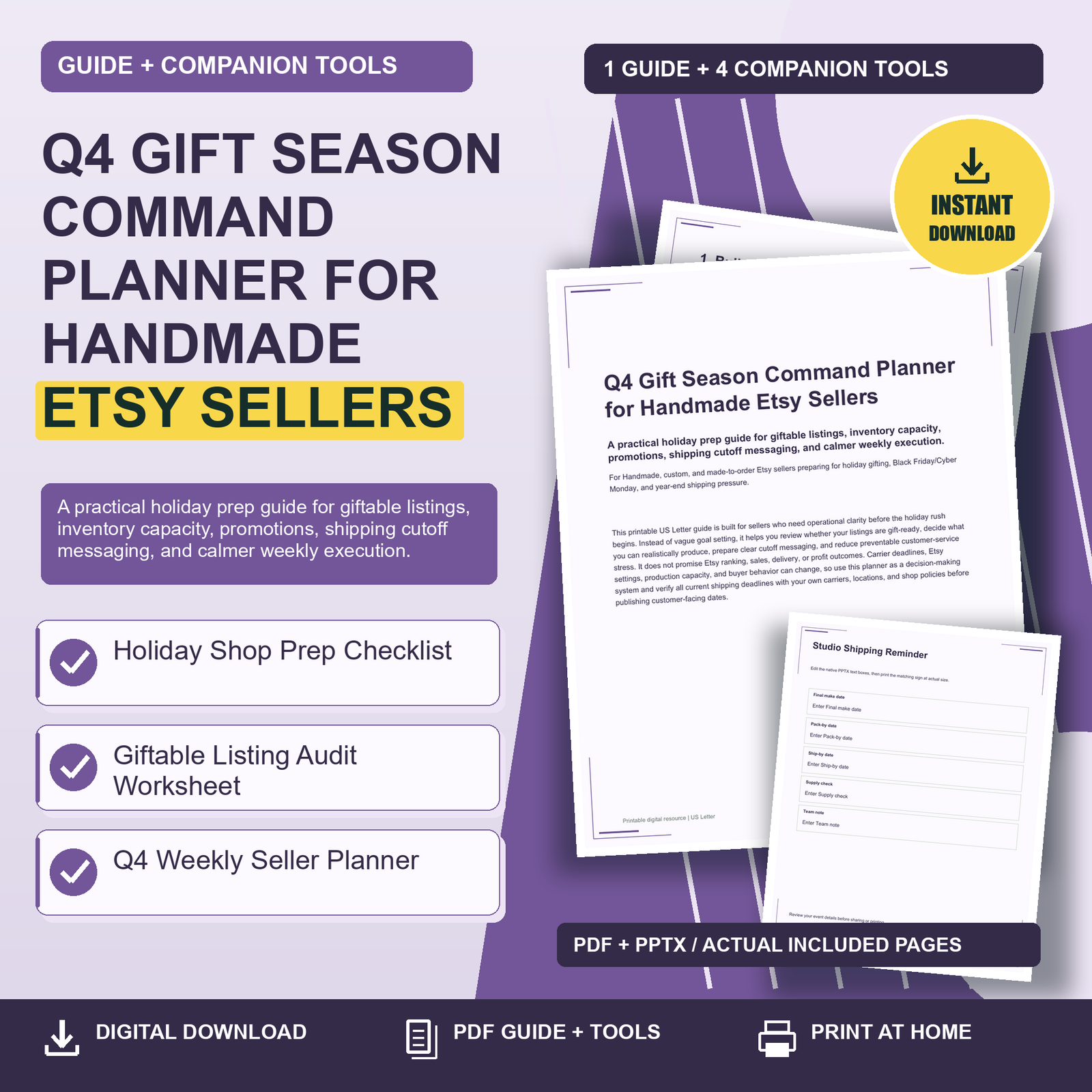
Q4 Gift Season Command Planner for Handmade: This printable US Letter guide is built for sellers who need operational clarity before the holiday rush begins. Instead of vague goal setting, it helps you review whether your listings are gift-ready, decide what you can realistically produce, prepare clear cutoff messaging, and reduce preventable customer-service stress. It does not promise Etsy ranking, sales, delivery, or profit outcomes. Carrier deadlines, Etsy settings, production capacity, and buyer behavior can change, so use this planner as a decision-making system and verify all current shipping deadlines with your own carriers, locations, and shop policies before publishing customer-facing dates.
Q4 Gift Season Command Planner for Handmade: 1. Build Your Q4 Command Center Before the Rush
A strong holiday season starts with fewer scattered decisions. Your command center can be as simple as one binder, clipboard, or desk folder where you keep your weekly plan, cutoff notes, inventory counts, listing audit pages, and announcement drafts. The goal is not to make your shop feel more complicated; it is to stop important details from living in memory, sticky notes, and half-finished phone reminders. Begin by choosing your key Q4 dates: the day you want gift listings refreshed, the day you want promotional wording ready, the last day you will accept made-to-order holiday requests, and the date you will switch your shop messaging from “holiday delivery” language to “gift card or after-holiday delivery” language if needed.
Use the Holiday Shop Prep Checklist first, then move into the Q4 Weekly Seller Planner. Give each week one main outcome, such as “photograph gift sets,” “confirm packaging supply count,” or “rewrite processing-time language.” Handmade sellers often lose time by revisiting the same decision repeatedly. Write a decision once, keep it visible, and adjust only when new information appears. For example, if your current production pace is eight personalized ornaments per day, do not plan a promo that requires twenty-five per day unless you have confirmed help, supplies, and packing time. Treat your command center as a reality check, not a wish list.
2. Make Listings Giftable, Clear, and Easy to Choose
A holiday buyer is often shopping under time pressure and may not know your product category as well as you do. A giftable listing should quickly answer: Who is this for? What occasion does it fit? What size, color, personalization, or variation should the buyer choose? What will arrive in the package? When should they order? Review your best candidates first, especially items that are already proven, quick to make, easy to pack, and unlikely to create customization confusion. Use the Giftable Listing Audit Worksheet to score listings on gift readiness, photo clarity, personalization instructions, and cutoff-message needs.
Concrete improvements can be small but powerful. Add a photo showing the item in gift context, such as a mug beside cocoa packets, a necklace in a simple box, or a pet portrait displayed on a desk. Rewrite the first lines of your description so they name the recipient and use case: “A personalized stocking tag for kids, pets, roommates, or newlyweds.” If you offer custom text, include examples of acceptable entries and character limits. If a listing has complex options, add a plain-language note such as “Choose the ornament shape first, then enter the name exactly as you want it printed.” Clear listings can reduce avoidable messages and help buyers feel more confident before ordering.
3. Plan Inventory and Made-to-Order Capacity Honestly
Holiday prep is not just about having enough materials. It is about knowing how many finished, packed, and shipped orders you can handle without creating preventable delays. Start with your limiting factor. For some sellers, it is clay drying time, embroidery machine hours, printer maintenance, curing time, photography, or the number of gift boxes on hand. For others, it is customer-message volume or personalization proofing. Write down your slowest step for each major holiday product and plan around that step. If one item takes ten minutes to make but requires overnight drying, you cannot solve the timeline with faster packing alone.
Separate your products into three groups: ready-to-ship, batchable made-to-order, and complex custom. Ready-to-ship items can support last-minute shoppers if your carrier cutoff allows it. Batchable made-to-order items are ideal for planned production days, especially when variations are limited. Complex custom items may need earlier cutoff dates, higher communication boundaries, or a temporary pause if demand exceeds your capacity. Before running a Black Friday/Cyber Monday offer, count essential supplies: blanks, labels, ink, mailers, boxes, tissue, thank-you cards, tape, and protective packaging. A profitable-looking promotion can become stressful if you sell more than your studio can produce. Capacity discipline protects your time, your buyers’ expectations, and the quality of your work.
4. Prepare Promotions Without Creating Deadline Chaos
Promotions work best when they are connected to your real fulfillment plan. Before announcing a sale, decide which listings are safe to promote, how long the offer will run, and whether the discount applies to complex custom work. A simple offer on ready-to-ship items may be easier to fulfill than a large discount on personalized products that require extra proofing. Keep your promo language specific but flexible: “Holiday gift sale on selected ready-to-ship pieces” is usually safer than implying everything in your shop can arrive by a certain holiday. Avoid promising delivery by a date unless you have verified current carrier information and are comfortable with the risk.
Create a short promo control list for each campaign: featured listings, start date, end date, processing time check, supply check, announcement wording, and customer-message template. If you participate in Black Friday/Cyber Monday, prepare your post-sale week before the promo begins. That means blocking production time, delaying nonessential product development, and keeping packaging supplies within reach. Consider setting a daily order-review habit during the promotion: check personalization notes, confirm addresses when needed through the platform’s allowed process, and flag any order that requires clarification. The best holiday promotion is not simply the one that attracts attention; it is the one your shop can fulfill cleanly.
5. Use Shipping Cutoff Messaging as a Customer-Service Tool
Shipping cutoff messaging should be clear, repeated, and based on verified information. Because carrier deadlines vary by service, origin, destination, weather, volume, and year, never rely on last year’s dates without checking current carrier guidance. Also remember that processing time and shipping time are not the same thing. If your item takes five business days to make, your customer-facing cutoff must account for that production time before the package enters the mail stream. This is especially important for made-to-order and personalized items, where a buyer’s late response can delay production.
Use the Holiday Cutoff Announcement Signs as PPTX editable templates for shop-announcement wording and studio reminders. Good wording is firm without sounding unfriendly. For example: “For the best chance of holiday arrival, please order personalized items by [DATE]. Carrier delivery is not guaranteed, and delays may occur.” In your studio, a sign might say: “Holiday custom cutoff: [DATE]. After this date, list ready-to-ship only.” Place cutoff language in your shop announcement, listing descriptions where appropriate, order confirmation messages if you use them, and internal packing area reminders. Repetition reduces confusion. If a deadline changes, update every place the date appears so buyers do not receive mixed signals.
Choose one useful next step. Review the related product details, included formats and license before choosing the tools for your needs.