
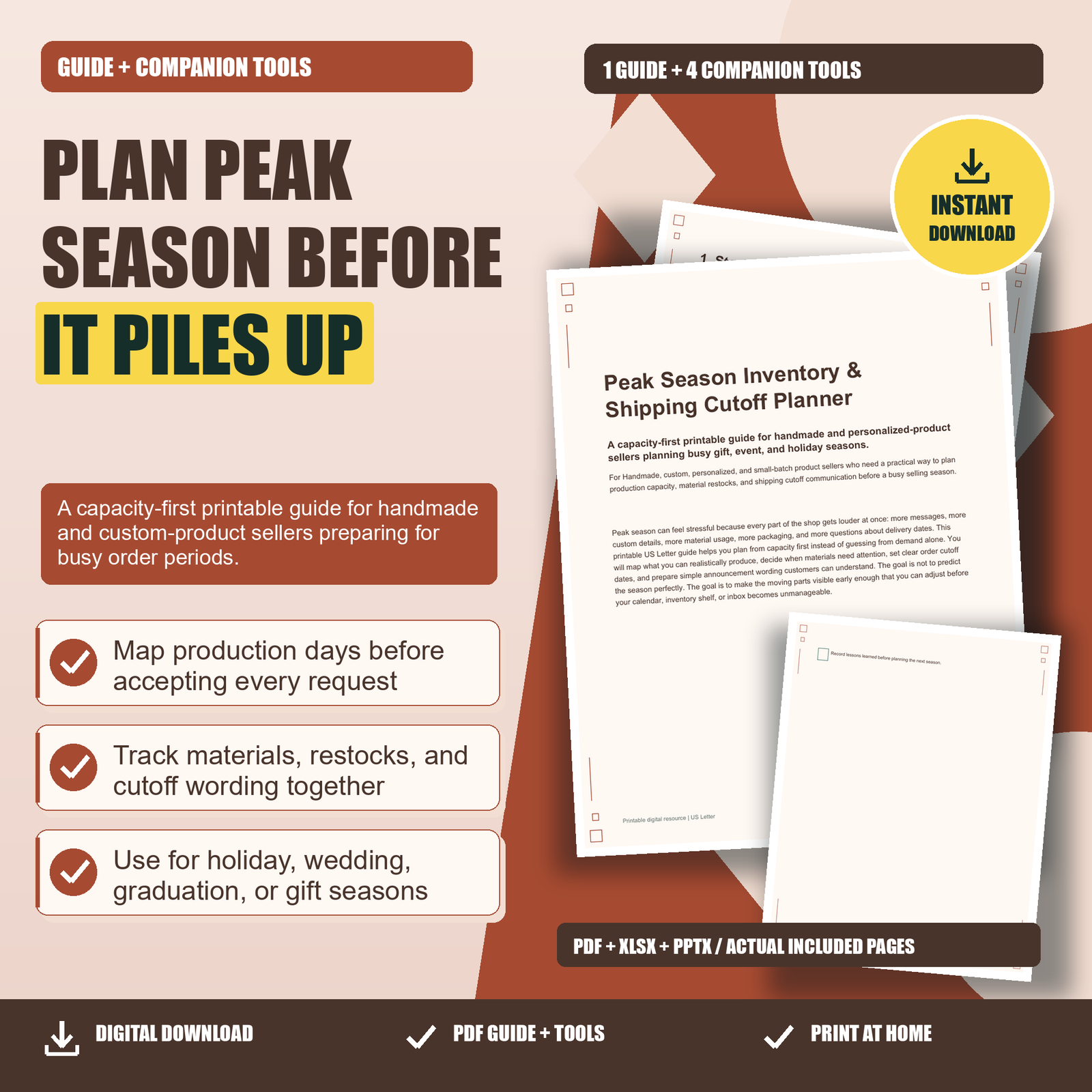
Peak Season Inventory: Peak season can feel stressful because every part of the shop gets louder at once: more messages, more custom details, more material usage, more packaging, and more questions about delivery dates. This printable US Letter guide helps you plan from capacity first instead of guessing from demand alone. You will map what you can realistically produce, decide when materials need attention, set clear order cutoff dates, and prepare simple announcement wording customers can understand. The goal is not to predict the season perfectly. The goal is to make the moving parts visible early enough that you can adjust before your calendar, inventory shelf, or inbox becomes unmanageable.
Peak Season Inventory:
1. Start With Capacity, Not Hype
A busy season plan is strongest when it begins with what your shop can actually make, pack, and ship. Before you look at promotions, trending colors, or last year’s busiest week, count your available production days. Remove personal commitments, market days, supply shopping time, family events, rest days, and shipping-only days. Then write down your realistic daily output by product type. For example, if a personalized ornament takes fifteen minutes to design, ten minutes to produce, and five minutes to package, your true capacity is not just production time. It includes review, personalization checks, labels, cleanup, and error correction.
2. Build a Season Map Around Real Dates
Peak season is not only the winter holidays. A handmade shop may have busy periods around weddings, graduations, teacher gifts, Mother’s Day, corporate gifting, craft fairs, local festivals, or personalized birthday items. Choose the season you are preparing for and work backward from the date customers care about. For a graduation product, that might be the ceremony week. For wedding favors, it may be the event date plus time for the buyer to review, sort, and transport the order. For holiday gifts, it may be the final date you are comfortable promising shipment after checking current carrier guidance.
3. Turn Inventory Into Restock Triggers
Inventory stress often comes from noticing shortages too late. Instead of asking, “Do I have enough?” use a restock trigger for each material. A trigger is the minimum quantity that tells you to reorder before the item becomes urgent. For example, if you use ten necklace chains per average week and your supplier takes seven business days to deliver, a trigger of twenty chains may be safer than waiting until you have five left. If the material is seasonal, imported, custom-cut, or frequently out of stock, your trigger should be higher.
4. Decide Your Cutoffs Before Customers Ask
Shipping cutoffs work best when they are decided before the inbox fills with urgent requests. Start by separating order types. Ready-to-ship items may stay open longer than personalized, made-to-order, proofed, engraved, embroidered, or color-customized products. Large orders may need a different cutoff than single-item orders. Local pickup, if you offer it, may have different timing from mailed packages. Write these categories down so your announcements are clear and consistent.
5. Protect Production Quality During the Rush
When order volume rises, small mistakes become easier to make. A misspelled name, wrong ribbon color, missing apartment number, or rushed drying time can create delays that take longer than doing the work carefully the first time. Build quality checks into the plan instead of treating them as optional. For custom products, use a standard review step before production: confirm spelling, quantity, color, size, event date, and personalization notes. For batch production, create a sample or first item check before making the rest.
Choose one useful next step. Review the related product details, included formats and license before choosing the tools for your needs.