
Choose one goal, rewrite it as an action you can influence, then assign a realistic milestone to the next quarter. Schedule a monthly review date and choose three small weekly actions that move the milestone forward, with one reset step in case the week changes.
1. Start With Fewer Goals Than You Think You Need
A strong year plan does not need dozens of goals. In fact, too many annual goals often create a crowded list that looks exciting in January and confusing by March. Begin by writing every possible 2027 intention on a scratch page: health routines, home projects, career development, creative work, money organization, relationships, learning, and personal maintenance. Then circle only the goals that would make the biggest practical difference if completed or steadily improved this year.
Aim for one to three main goals per quarter, not one goal for every area of life. For example, instead of listing “get organized, exercise, save money, learn a language, decorate the house, read more, improve career,” choose a few that have clear ownership and visible next steps. A clearer list might be: “complete the hallway storage project by March,” “walk three mornings most weeks in Q2,” and “update my professional portfolio by September.” You are not rejecting the other ideas forever; you are giving your attention a smaller target. Use the Goal Clarity Worksheet to decide what belongs in the active plan and what can wait for a later reset.
Worked example
Hypothetical inputs: goal = organize home paperwork, quarter = Q1, monthly review = last Friday. Milestone: sort four folders by March; weekly actions: sort one folder, shred outdated papers, label keep pile. Arithmetic check: 1 folder per week × 4 weeks = 4 folders, which matches the milestone.
2. Write Goals You Can Own
Ownership-based goal writing means phrasing goals around actions and decisions you can reasonably control. A goal like “have a perfect routine” depends on too many undefined conditions. A goal like “plan three simple dinners every Sunday” gives you a repeatable behavior. You cannot control every interruption, mood, deadline, or family need, but you can decide what action you will return to when the week gets messy.
Use this structure: “I will do [specific action] for [reason] by [timeframe], and I will review it on [date or rhythm].” For example: “I will sort and label the garage shelves by the end of Q1 so seasonal items are easier to find, and I will review progress on the last Friday of each month.” Another example: “I will draft two portfolio case studies by the end of Q3 so my work samples are current, and I will schedule one writing block each week.” Notice that these goals are not promises that life will cooperate. They are commitments to a direction, a check-in rhythm, and the next visible step.
3. Turn the Year Into Four Useful Checkpoints
A quarter is long enough to make progress and short enough to notice drift. Instead of asking, “What do I want for the whole year?” ask, “What would be a meaningful checkpoint by the end of March, June, September, and December?” This helps you avoid the all-or-nothing feeling that annual goals can create. Each quarter becomes a container for focus, review, and reset.
Use the Quarterly Milestone Tracker to break each goal into checkpoints. For a home project, Q1 might be “choose storage zones,” “buy only needed containers,” and “clear one shelf each weekend.” For a learning goal, Q2 might be “choose one course,” “complete the first three lessons,” and “make a practice schedule.” For a personal routine, Q3 might be “test two realistic morning options,” then “keep the easier one for four weeks.” Do not make every quarter equally intense. If one season is busy, give it a maintenance milestone rather than a major push. Progress planning works better when it respects the actual shape of your year.
4. Use Monthly Reviews to Prevent Quiet Drift
Most goals do not fail in one dramatic moment. They fade when there is no review date, no decision point, and no visible place to restart. The 2027 Goal Review Calendar gives you a simple way to keep your goals in view across the year. At the beginning of each month, mark one review appointment. It can be a 20-minute check-in at your desk, a Sunday evening planning session, or a quiet morning with coffee. The important part is that the review is scheduled before the month disappears.
During each review, ask three questions: What moved forward? What got blocked? What needs to change? Your answer might be practical, not emotional: “The Wednesday workout plan failed because school pickup changed,” or “The decluttering project slowed because donations were still in the trunk.” Then choose one adjustment. Move the action to a better day. Reduce the goal. Add a missing errand. Ask for help. The calendar is not there to judge the month; it is there to make the next decision visible.
5. Build Weekly Actions That Are Small Enough to Do
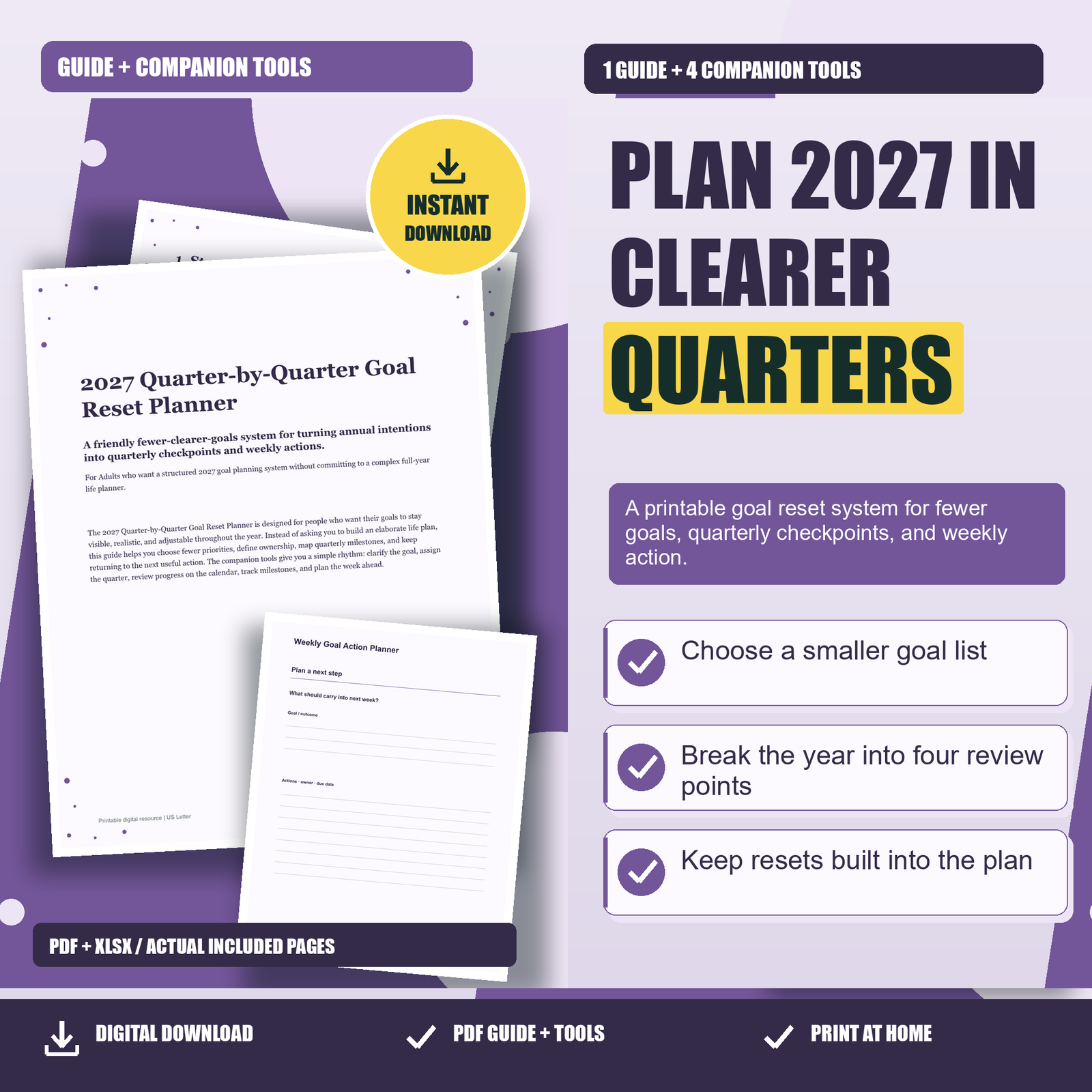
Weekly planning is where broad intentions become real. A weekly action should be small enough to fit into your actual schedule and specific enough that you know when it is done. “Work on finances” is vague. “Enter receipts for January and check two subscriptions” is usable. “Get healthy” is vague. “Prep two lunches and take a 15-minute walk on Monday, Wednesday, and Friday” is usable. The Weekly Goal Action Planner helps you choose the week’s focus, list the actions, and decide where those actions belong.
Start each week by choosing one focus goal. Then pick three to five actions connected to that goal. If you are working on a quarterly milestone, choose actions that move the milestone forward rather than random busywork. For example, if the milestone is “finish draft of personal statement,” your weekly actions might be “outline three sections,” “write first 300 words,” and “ask one trusted person for feedback.” Leave space for a reset action too. A reset action is the smallest next step if the week falls apart, such as opening the document, clearing the project table, or rescheduling the missed appointment.
Try the steps with one real example of your own. See the related Printably product for the tools and instructions included.