
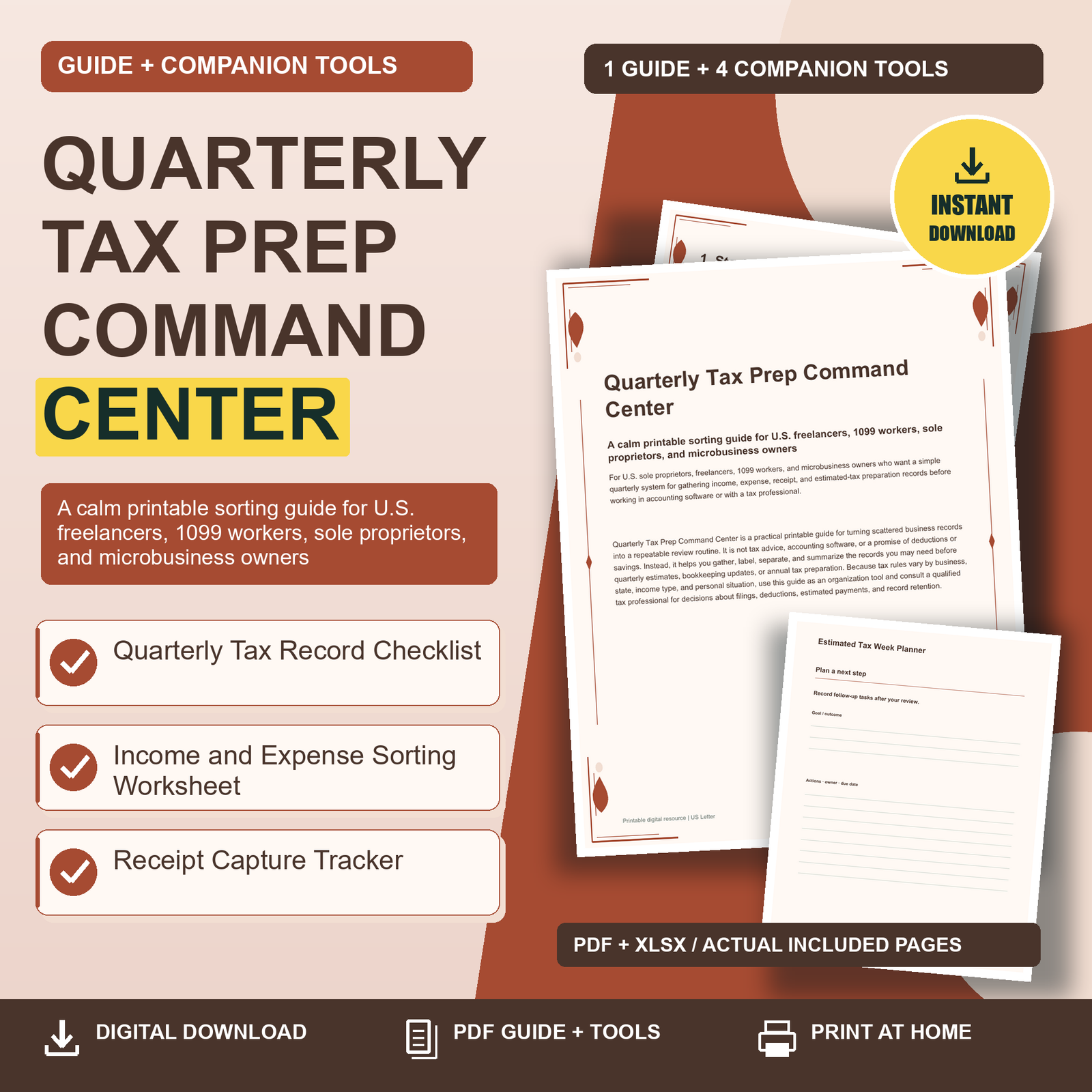
Quarterly Tax Prep Command Center is a practical printable guide for turning scattered business records into a repeatable review routine. It is not tax advice, accounting software, or a promise of deductions or savings. Instead, it helps you gather, label, separate, and summarize the records you may need before quarterly estimates, bookkeeping updates, or annual tax preparation. Because tax rules vary by business, state, income type, and personal situation, use this guide as an organization tool and consult a qualified tax professional for decisions about filings, deductions, estimated payments, and record retention.
Quarterly Tax Prep Command Center:
1. Start With a Calm Quarterly Reset
Tax prep feels harder when the work is mixed into everyday life: a client payment in one inbox, a paper receipt in a jacket pocket, mileage notes on a sticky note, and a subscription charge hiding inside a personal card statement. The first goal of this command center is not to calculate taxes or decide what is deductible. The first goal is to create one calm place where business records can be gathered, sorted, and reviewed before they go into your bookkeeping system or to a preparer.
2. Separate Business and Nonbusiness Records
A practical record system begins with separation. If a receipt, statement, or transaction belongs to your business activity, it should be easy to find. If it is personal, household, hobby, or unclear, it should not sit in the same pile as confirmed business expenses. This guide uses plain-language sorting rather than technical tax conclusions. You are not labeling something as deductible simply because it appears on a business worksheet. You are identifying what needs review, what appears business-related, and what should be excluded from your business record packet.
3. Sort Income Without Guessing at Tax Treatment
Income records can be just as scattered as expense records. A freelancer may receive direct deposits, payment app transfers, marketplace payouts, cash, checks, refunds, reimbursements, tips, retainers, grants, or personal transfers that look similar on a statement. Your job in this system is to identify and describe incoming money, not to determine taxable treatment on your own. Some amounts may be taxable, some may be reimbursements, some may be transfers between your own accounts, and some may require professional review.
4. Capture Receipts Before Details Disappear
Receipts lose value when they lose context. A faded paper slip, a vague online order confirmation, or a statement line that says only “Store Purchase” may not remind you what the item was for. The Receipt Capture Tracker helps you build the habit of recording the story while it is still easy to remember. This is especially useful for small purchases, recurring subscriptions, mixed carts, shipping supplies, local services, and purchases made while traveling for work.
5. Prepare for Estimated-Tax Week Without Panic
Estimated-tax planning can feel stressful because it combines timing, cash flow, bookkeeping, and uncertainty. This command center treats estimated-tax week as a record review rhythm, not as a calculation promise. Your task is to gather current records, update your income and expense summaries, flag questions, and prepare the information you need for your tax professional or accounting software. The actual payment amount, filing obligation, and deadline rules can vary, so confirm them with authoritative sources or a qualified professional.
Choose one useful next step. Review the related product details, included formats and license before choosing the tools for your needs.